Rust Plus Bot #1
Discord Bot for Rust+ Servers
Server monitoring 24/7, Smart Switch control, player online status. Set up in 2 minutes and get full control. Check the documentation or connection guide.
Everything you need to manage
your Rust+ server from Discord
Full toolkit — monitoring, notifications, device control.
24/7 Monitoring
Round-the-clock Rust+ server status tracking. Instant alerts when player count changes.
Smart Switch Control
Control all Smart Switch devices from Discord. Turn on lights, turrets, traps with one command.
Player Tracking
See who's online in real time. Notifications when your friends join the server.
Raid Notifications
Instant Discord alerts when your base is under attack — C4, rockets, turret raids.
Server Map
View the map, markers and monuments right in Discord. Coordinate with your team.
API Integration
Official Rust+ Companion API by Facepunch. Secure access to in-game features.
3 Languages
Russian, English and Ukrainian interface. Switch locale with one command.
Mobile Support
Manage your server from Discord on your phone. Control your base away from your PC.
Regular Updates
We keep adding new features. Always up to date with Rust+.
Control Smart Switch right from Discord
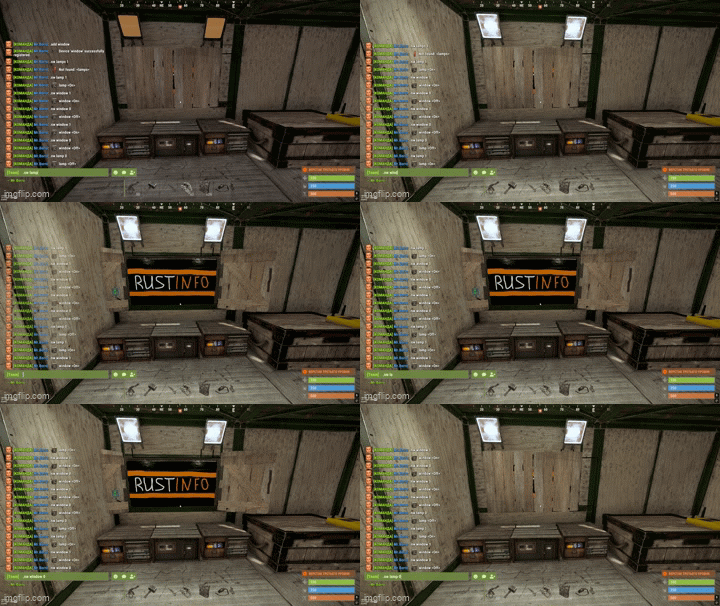
No need to open the Rust+ app on your phone. RustInfo lets you turn all smart devices on your base on or off with one click in Discord — turrets, lights, traps, power. Works instantly.
Real-time player monitoring
Track who's online on your Rust+ server from Discord. Get notified when allies or enemies join or leave. Full server activity transparency 24/7.
Instant raid notifications
RustInfo will alert you in Discord as soon as a raid starts on your base. C4, rockets, turret attacks — every event is logged and sent to your channel. React in time to protect your resources!
Get started in 2 minutes
Simple step-by-step setup — from signing in and inviting the bot to your first notifications.
Sign in and invite the bot
Use the Authorization button in the header, sign in with Discord, and add RustInfo to your server. The bot will create channels automatically.
Connect your Rust+ server
Open Rust+ on your phone, get a pairing code and enter it with !pair [code] in Discord.
Configure notifications
Choose what to track: raids, online status, Smart Switch. Use !settings to set up channels.
You're all set!
RustInfo monitors your Rust+ server 24/7. Control everything from Discord.
Join the community
Chat with other players, get help and stay updated.
Frequently asked questions
Answers to the most common questions about RustInfo.
!status, !players, !switch, !map, !pair and more. Full list in the documentation.!switch command — a list of devices with buttons will appear. Click to turn any device on or off right in Discord.